VidFleet AIR1 and AIR2
Let the Video Do the Talking.
VidFleet road and cab video that protects your drivers, with risky moments flagged as they happen and event clips kept 90 days.
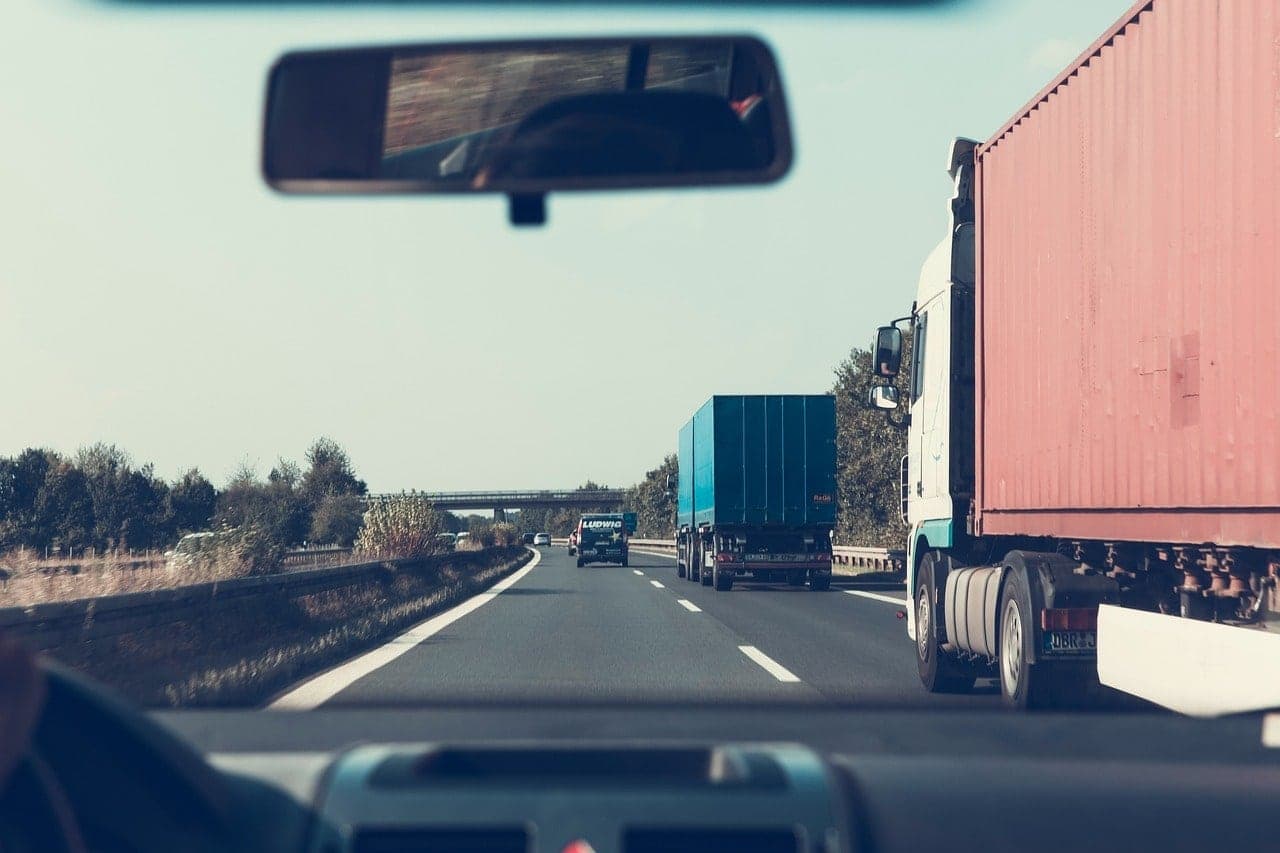
- Event clips kept in the cloud, ready to review and save
- 90daysEvent clips kept in the cloud, ready to review and save
- AIR2 road and cab cameras, plus 2 extra cameras
- 4channelsAIR2 road and cab cameras, plus 2 extra cameras
- AIR2 1080p road camera, plus infrared night vision
- 1080pHDAIR2 1080p road camera, plus infrared night vision
Clear Video That Backs Your Drivers.
- Road and Cab, RecordedThe AIR1 records the road. The AIR2 records the road and the cab, with a privacy cover.
- Risky Moments, FlaggedBoth cameras flag risky driving the moment it happens, so you review only the clips that matter.
- The Clip, in the CloudEvent clips upload to the cloud next to the trip, where you can review and save them.

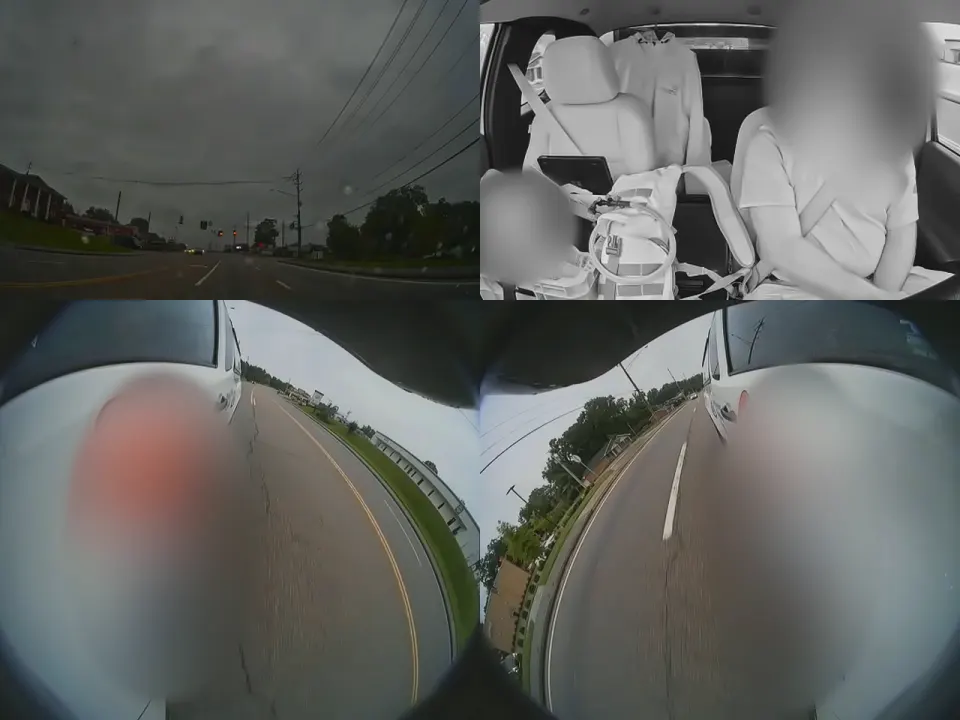 RoadHard brakingCabLeft sideRight side
Four camera views at once during a hard stop at a red light. The driver’s face and the van’s lettering are hidden.
Road Only, or Road and Cab.
Road video for any vehicle, or road and cab video with room for 2 more cameras.
| VidFleet AIR1Road-Facing Dash CamA forward-facing camera that watches the road, warns the driver and flags risky driving the moment it happens. | VidFleet AIR2Dual-Facing Dash CamRoad and cab cameras with room for 2 more, configurable events and coaching you can audit. | |
|---|---|---|
| Road camera | Yes | 1080p |
| In-cab camera | Not included | Turns on or off, with a privacy cover |
| Extra cameras | Not included | Up to 2, for 4 channels in all |
| Road events | Driver assistance alerts (ADAS) | Configurable road events |
| Driver-facing events | Not included | Configurable, like phone use and distraction |
| Flags events as they happen | Yes | Yes |
| Driver coaching | Driving behavior monitoring | Audible coaching |
| Engine (ECU) data | Capable | Capable |
| Backup battery | About 5 minutes | About 5 minutes |
Your Drivers’ Best Witness
When something happens on the road, the video shows what really happened, so good drivers have proof on their side.
Risky Driving, Flagged
Both cameras flag risky driving right on the camera, and the AIR2 adds in-cab events like phone use and distraction. Each clip sits next to the vehicle’s trip.
Train with the Real Clip
Sit down with a driver and the actual video, and the AIR2 backs it up with audible coaching in the cab. Training lands when the facts are on the screen.
Proof Your Customers Can See
Show a customer exactly when your truck arrived and how it was driven.
From a GPS of TX customer
One Clip Kept a Customer Out of Court.
When a GPS of TX customer faced a liability claim, their dash cam video showed what really happened. The video helped defeat the claim, and the case never went to court.
Questions About Dash Cams
What’s the Difference Between the AIR1 and the AIR2?
The AIR1 faces the road, with driver assistance alerts and driving behavior monitoring. The AIR2 records the road and the cab, takes 2 extra cameras and gives audible coaching in the cab, with Wi-Fi and infrared night vision. Both flag events as they happen and are engine (ECU) data capable.
Do I Have to Record My Drivers?
No. The AIR1 records the road only. The AIR2’s in-cab camera turns on or off and has a privacy cover, so you decide when the cab is recorded.
How Long Is Footage Kept?
Event clips stay in the cloud for 90 days, where you can review them and save the ones you need. The AIR2 also takes an SD card of up to 512 GB.
How Is It Installed?
The AIR2 mounts behind the rear-view mirror and is either wired in or plugged into the vehicle’s diagnostic port. Installation is priced separately. Your written quote covers the installation cost and how long your fleet will take.
Put a Witness in Every Cab.
Your free fleet assessment ends with a written quote, before anything is installed.