Skip to content
GPS of TX

For districts

Every Bus, Every Rider.

See every bus live, fix a late run from one screen and put the bus on parents’ phones.

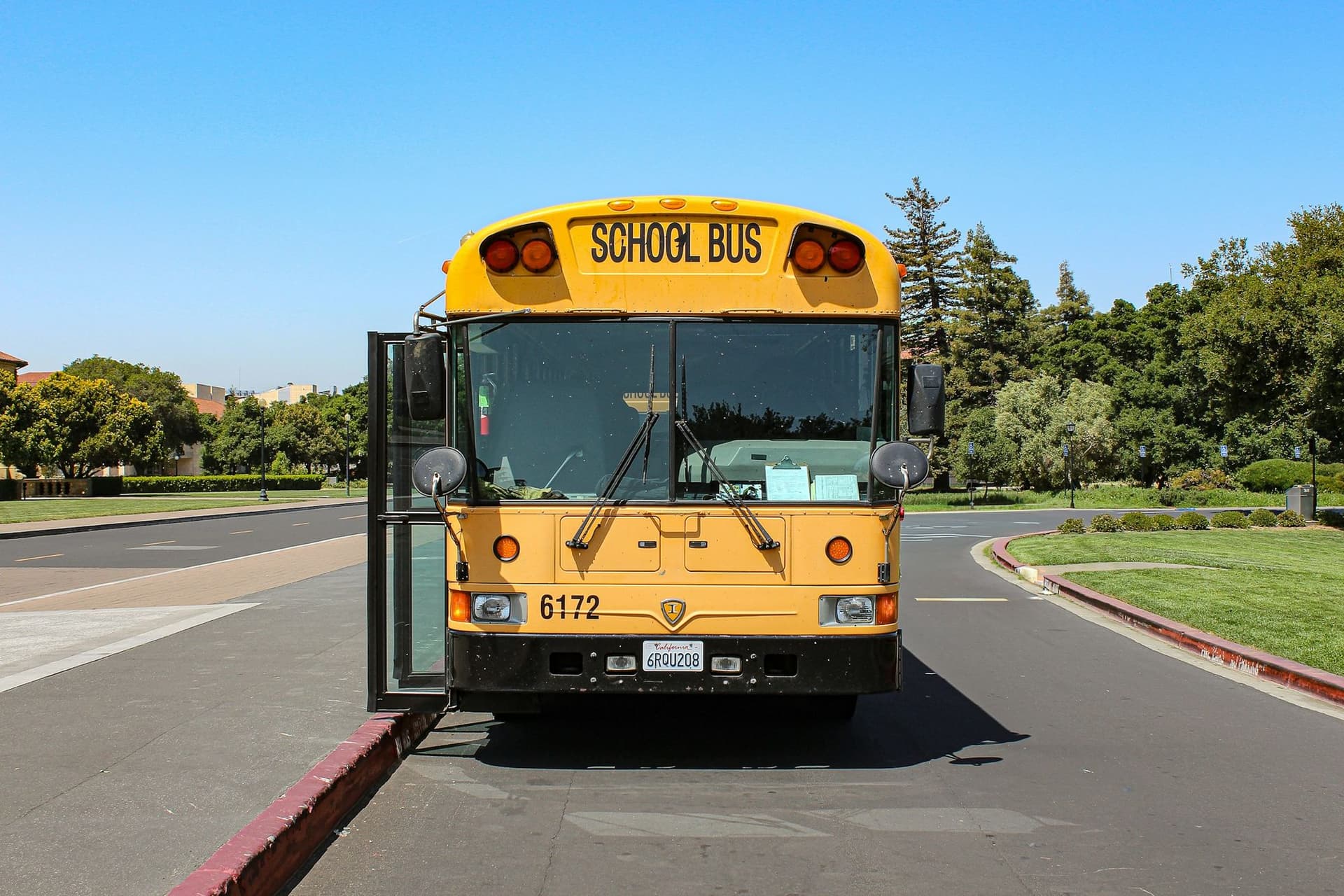
The front of a yellow school bus with its door open on a sunny school drive
Office, driver and parent, working as one system
3appsOffice, driver and parent, working as one system
Messages to families in English, Spanish or French
3languagesMessages to families in English, Spanish or French
On-time, ridership, incidents, route path and more
12+reportsOn-time, ridership, incidents, route path and more

From the First Stop to the School Door.

  1. Every Bus, Live on Its RoutePick a run and its stops draw on the map, with every bus marked on time or late.
  2. Riders Tap in at the DoorWith rider check-in, students tap a card as they board, and the driver’s tablet counts them aboard.
  3. Parents Get a Stop AlertThe parent app shows the bus on a map and alerts families as it nears their stop.

Safe From the Yard to the Front Door.

One system covers each child’s whole ride, from the bus check in the morning to the parent’s alert at drop-off.

  1. Link 1

    Checked Before It Rolls

    Drivers inspect the bus zone by zone before it leaves the yard, and the record shows the check was done at the bus.

  2. Link 2

    Watched on Every Run

    Alerts flag a late bus, a run that hasn’t started or a bus outside its zone.

  3. Link 3

    Every Rider Checked In

    Students tap a card at the door. The driver sees who’s aboard, and you can set an alert for a student who boards the wrong bus.

  4. Link 4

    Nobody Left on Board

    The driver app won’t let the run end while a student is still marked on the bus, and the post-trip inspection has the driver check inside the bus.

  5. Link 5

    Home, and the Parent Knows

    Parents get an alert when their child gets on and when they get off.

Links 3 to 5 come with rider check-in: a card reader at the bus door and the driver app on a district tablet.

Run the Whole Day From One Screen.

Spot a problem early and fix it right there, before it turns into a missed stop or a parent call.

  • On Time, Early or Late, at a Glance

    A live dashboard fills in as runs start, with alerts for arrivals, delays and any route that hasn’t started.

  • The Whole Run on One Map

    Each bus’s planned and actual path, plus door and stop-arm events where the bus is wired for them.

  • Answer a Parent While They’re on the Line

    Find any route, run, student, driver or stop from one search box, and see where the bus is right now.

  • Cover a Sick Call in Seconds

    Swap in another driver or bus for the day, or split a route from the map and hand off the rest.

  • Every Driver, One Message Away

    Message any driver from the dashboard, with your own templates and an audible alert in the cab.

  • Reports Ready for the Board

    More than 12 reports and a full audit log, plus, with rider check-in, flags like a check-out with no check-in.

For the Driver’s Seat and the Kitchen Table.

The Driver App

Eyes on the road, with the next stop on screen.

  • Spoken and on-screen turn-by-turn directions, back on track after a missed turn
  • Directions stay on screen when the signal drops
  • The student list at every stop, plus photos and wheelchair flags with rider check-in
  • Two-way messages with dispatch, and incident reports with photos, mid-route
  • Runs on drivers’ own Android phones, or a district tablet with rider check-in
The Parent App

The school bus, as easy to follow as a rideshare.

  • The bus live on a map, only while their child’s route runs
  • Alerts when the route starts, at the stop before theirs and at their stop
  • Their own alert zone, drawn right on the map
  • Boarded and dropped-off alerts, with rider check-in
  • Every child in one app, on iPhone or Android
  • Messages from the district in English, Spanish or French

Routes and Field Trips, Planned in One Place.

Routes

  • Build a route and the path, distance and drive time fill in
  • Or bring your routes over from your current routing software
  • Stop times updated from 30 days of real arrivals, in one click
  • Printable turn-by-turn run sheets for substitute drivers

Field trips

  • Request, quote, approve and award in one workflow
  • Driver cost worked out from wage, hours, per diem and distance
  • Every trip exports to PDF or a spreadsheet

Field trips and stop-time tuning come with the full safety package.

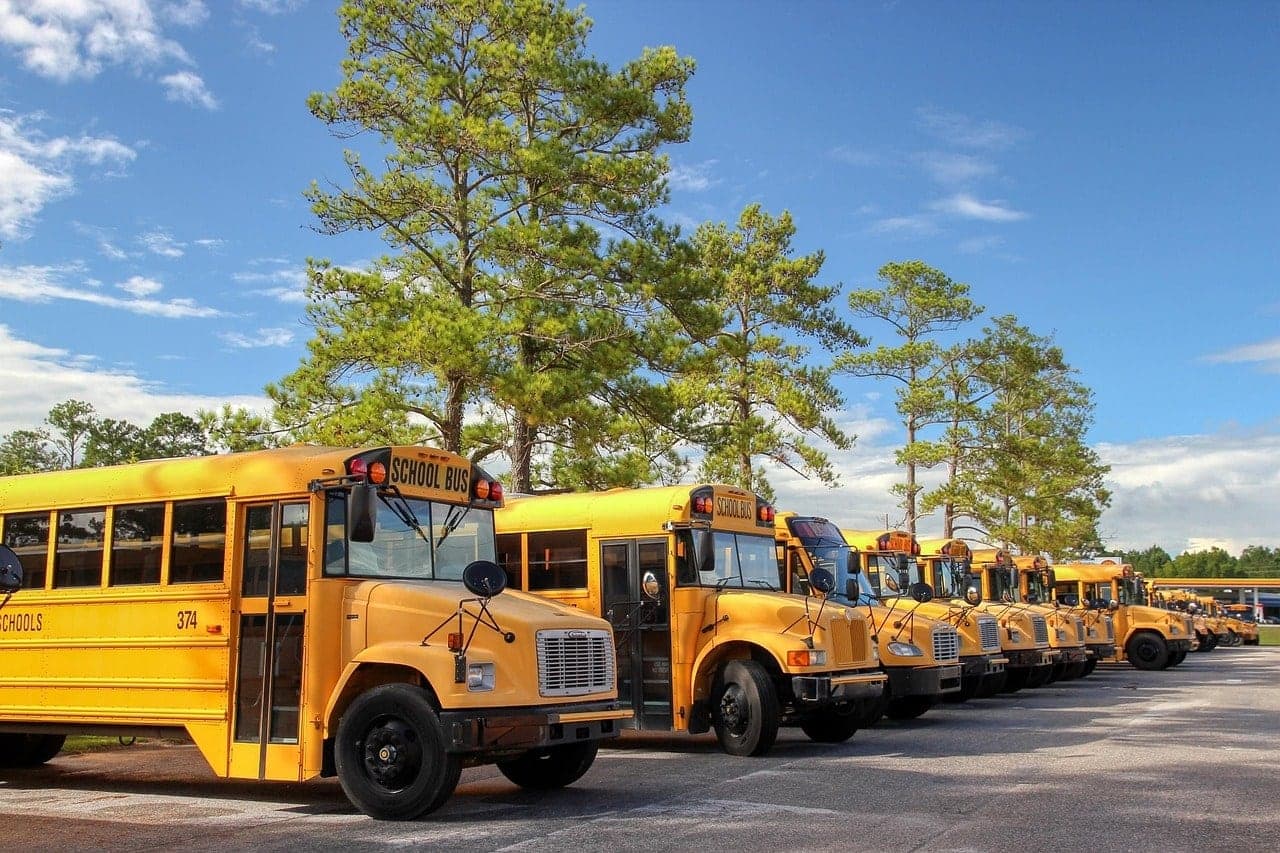
A long row of yellow school buses parked under pine trees

Beyond the Route, on the Same Login.

The same platform keeps the buses inspected, healthy and on budget, with video for the moments that need a second look.

  • Inspections You Can Prove

    Drivers check each zone of the bus on a tablet or phone, with notes and photos of any defect, and the record shows it was done at the bus.

  • Trouble Spotted Before the Breakdown

    Fleet health reports sort engine fault codes by severity, so the shop sees a failing bus before it strands a route.

  • Fuel You Can Account For

    See idling, speeding, routing and driving habits for every bus, not just miles per gallon.

  • Video for the Road and the Cab

    VidFleet cameras record the road and the cab, so there’s footage to review after an incident. They fit district trucks and vans too.

  • Hours Without Paper Timesheets

    Employee hours are kept online on the same platform, in place of paper timesheets.

  • Works with the Systems You Have

    An open API sends your fleet data to the tools the district already uses, so nothing is entered twice.

Start Where Your District Is.

Start with live tracking on the routing software you have, then add routing and rider check-in when you’re ready.

Three ways to start with the school bus tools
Live TrackingKeep your routing softwareRoutingPlan routes here, apps includedFull SafetyAdds rider check-in
Live map and on-time dashboardYesYesYes
Dispatch, substitutions and driver messagesYesYesYes
Import routes from your current softwareYesYesYes
Parent appAdd-onYesYes
Driver app with turn-by-turnAdd-onAndroid phonesDistrict tablet
Rider check-in with cardsNot includedNot includedCard reader at each door
Boarded and dropped-off alertsNot includedNot includedYes
Alert if a student is still aboardNot includedNot includedYes

Gear for Every Bus and the Yard.

A V4 tracker in each bus, VidFleet cameras for the road and the cab, and trackers for the district’s trailers and grounds equipment.

Vehicle Tracking
  • Bus TrackerV4

    Wired into every bus, it feeds the live map, the on-time dashboard and the parent app.

  • Plug-and-Play TrackerGEO OBD 88

    Plugs into maintenance pickups and district cars for engine data and driving habits.

Asset Tracking
  • Powered Asset TrackerTTU-2830

    On mowers and grounds equipment, with engine hours for service.

  • Battery Asset TrackerZ-Trak

    On maintenance trailers and equipment that sit for weeks.

VidFleet Cameras
  • Dual-Facing Dash CamVidFleet AIR2

    Road and cab video, plus 2 extra cameras for more views of the bus.

Questions From Districts

  • Can Parents See Where the Bus Is?

    Yes. Families use the parent app on iPhone or Android to watch the bus on a map while their child’s route runs, with alerts as it nears their stop. Parents see only their own route, and only while it runs.

  • How Does Rider Check-in Work?

    In the full safety package, each student taps a card on a reader at the bus door when they get on and off. The district sees who rode, when and where, and parents get an alert. The cards carry only an ID number, and the driver can add a student who forgot their card.

  • Do We Have to Replace Our Routing Software?

    No. Keep it and bring your routes in, or build and edit routes in the platform. Either way you get the live map, the on-time dashboard and the dispatch tools.

  • What Goes in Each Bus?

    A V4 tracker wired into the bus feeds the live map, the on-time dashboard and the parent app. Many new buses leave the factory with it installed or pre-wired, and the rest get a professional, local installation. Drivers use the driver app on their own Android phone, or a district tablet with rider check-in, which adds a card reader at the door.

  • Does It Work with Electric Buses?

    Yes. Inspections have a checklist made for electric school buses, including a check that each bus is charged for its route.

  • Is Student Data Protected?

    Yes. Rider cards carry only an ID number, ridership data is encrypted and handled under student data privacy rules, and only authorized staff see student information.

  • Can We Message Families in Spanish?

    Yes. Messages from the district can go out in English, Spanish or French.

  • Can Other District Vehicles Share One Login?

    Yes. Buses, maintenance trucks and other district vehicles all sit under the same login.

Bring Every Bus Into View.

We already work with Texas school districts. Tell us how many buses you run, and we’ll match the right package in a free fleet assessment.