Skip to content
GPS of TX

Family Safety

Peace of Mind for the Drivers You Love

The same GPS trackers and AI dash cams Texas fleets count on, set up for a new teen driver or a parent who still loves to drive.

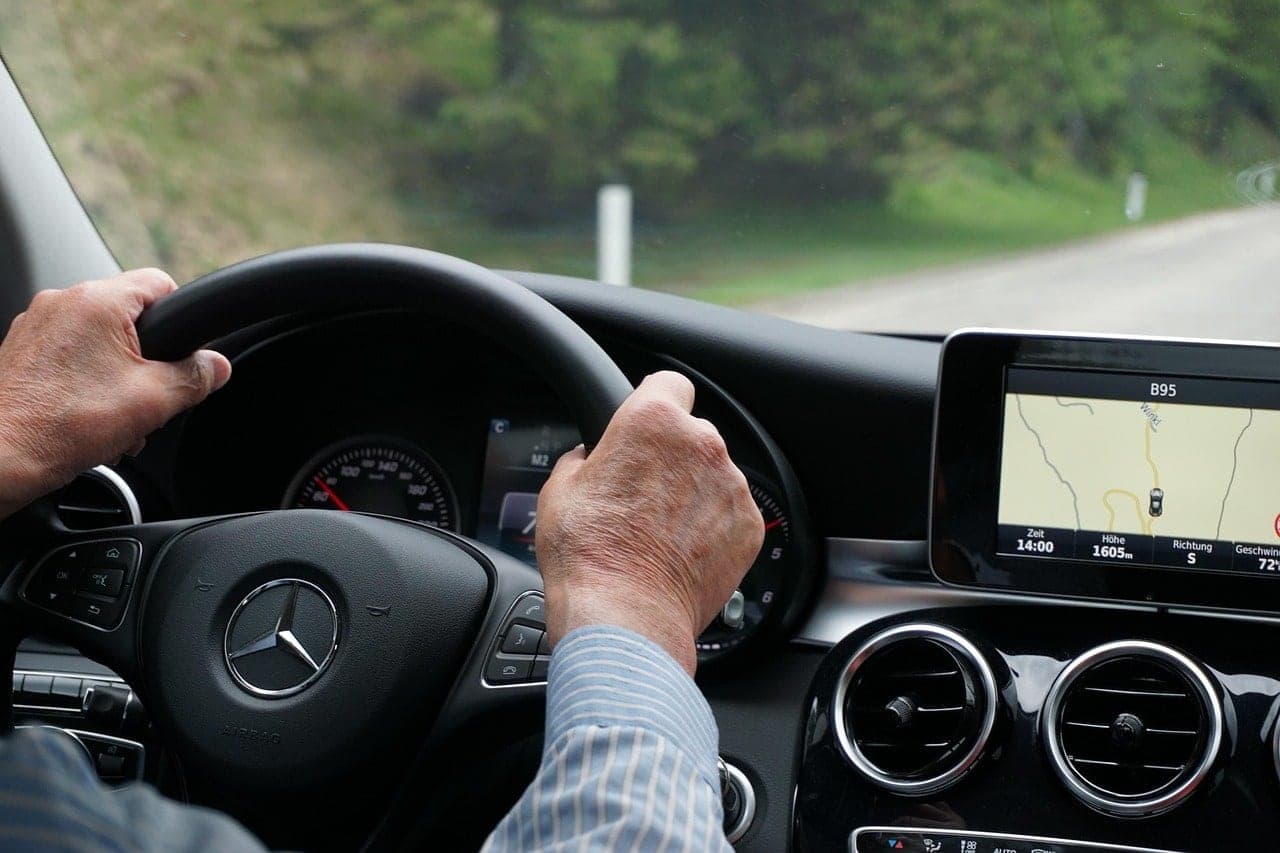
An older driver’s hands on the steering wheel on a country road, the car’s map screen beside the wheel
A live person on the support line, any hour of any day
24/7supportA live person on the support line, any hour of any day
Dash cam event clips kept in the cloud
90daysDash cam event clips kept in the cloud
Every car in the family, on your phone or in a browser
1mapEvery car in the family, on your phone or in a browser

From the First Set of Keys to the Last Road Trip

A brand-new license and fifty years behind the wheel call for different kinds of care. The same tracker covers both.

New Teen Drivers

Room to drive on their own, with alerts if something’s off.

  • A live alert the moment the car is speeding
  • An alert if the car is out past the hours you set
  • A heads-up when the car arrives at school or leaves a zone you draw on the map
  • Speeding and hard braking on every trip, ready to talk through together
  • An AI dash cam that can flag phone use and distracted driving

Parents and Grandparents

Their independence stays theirs, and you stop wondering.

  • Where the car is right now, from your phone or any browser
  • Every trip on record: where they went and how long they stopped
  • An alert if the car leaves an area you draw, like their side of town
  • Service reminders on real mileage, and low battery alerts
  • Dash cam video if there’s ever an accident or a disputed claim

Fleet-Grade Gear for the Family Car

These are the same devices we install in work vehicles across Texas, put in by a professional and backed by a live support line 24/7.

  • Plug-and-Play Tracker

    The GEO OBD 88 plugs into the car’s diagnostic port, reads the engine computer and detects speeding and hard braking. A Y-cable hides it behind the dash.

  • Hardwired Tracker

    The LMU-2630 is wired in out of sight and keeps reporting for about 1 to 2 days if the car’s power is cut.

  • Road-Facing Dash Cam

    The VidFleet AIR1 watches the road ahead, flags risky driving as it happens and uploads the event clip.

  • Road and Cab Dash Cam

    The VidFleet AIR2 adds an in-cab camera with a privacy cover that can flag phone use and distracted driving. Infrared night vision covers the drive home.

Make It a Plan, Not a Secret

Tracking works best when everyone knows the deal. With a new driver, agree on the speed alert, the curfew and what a hard-braking report means before the first solo drive, then ease off as they earn it.

With a parent or grandparent, ask first and decide together who sees the map. If the car ever breaks down or they get turned around, you can see exactly where it is.

Not sure what fits? Your free assessment covers it, and you can also see Vehicle Tracking and Video Telematics for every detail.

Questions From Families

  • What Does It Cost for a Family Car?

    Tell us who’s driving and what they drive, and we’ll recommend the right setup with a written quote before anything is installed. Call us or schedule a free assessment, and we’ll quote exactly what you need.

  • Which Tracker Goes in a Family Car?

    Usually the plug-and-play tracker (GEO OBD 88). It plugs into the car’s diagnostic port, reads the engine computer and detects driving behavior like speeding and hard braking. A Y-cable lets it sit hidden behind the dash, out of easy reach.

  • Does the Camera Record Inside the Car?

    Only if you want it to. The AIR1 faces the road only. The AIR2 adds an in-cab camera you can turn on or off, with a privacy cover. Event clips upload to the cloud and stay there for 90 days.

  • Is This a Medical Alert or an Emergency Button?

    No. These devices track the car, not the person, and they don’t call for help. For falls or emergencies at home, a medical alert service is the right tool. What we offer is a clear picture of where the car is, how it’s driven and when it needs service.

  • What Phone Do I Need to Check on the Car?

    The app runs on iPhone and Android. On a computer, you sign in from any web browser and see the same map, trips and alerts.

  • Should I Tell My Teen or My Parent About the Tracker?

    We recommend it. Tracking works best as a plan you agree on together: which alerts you’ll get, who sees the map and what happens after a speeding alert. Only put a tracker on a car you own, or with the driver’s okay.

  • Who Do I Call If Something Isn’t Working?

    Our support line is answered by a live person 24/7. Sales questions are Monday to Friday, 8 a.m. to 5 p.m. CT.

Keep Your Family’s Drivers on the Map

Tell us who’s driving and what car they drive. You get a recommendation and a written quote before anything is installed.